From the blog
When a streaming app stops working on your TV: support dates, security updates and your options
Older smart TVs and streaming sticks eventually lose their apps. Why it happens, what the UK's smart-device security law now requires makers to tell you, and the cheaper options before you replace the whole TV.
Published · 3 min read
It usually happens without much warning: you switch on an older smart TV, open a streaming app, and get a message saying the service is no longer available on this device. The TV still works perfectly well as a screen. So what's going on, and what are your options?
Why apps stop working
Netflix's help page on its "no longer available on this device" message (error codes such as R40, R12 and R25-9) explains that the problem is with the device, not your account: "Your Netflix account and membership have not changed in any way." Netflix says it may end support when a device can no longer get the updates it needs from its manufacturer, or can't support new features.
That's the general pattern. Streaming apps are updated all the time, and a TV or stick whose software has stopped being updated eventually can't keep up.
The support date is now on the box (or should be)
Since 29 April 2024, UK law has required makers of consumer "smart" products to meet three basic security requirements, under the Product Security and Telecommunications Infrastructure (PSTI) regime:
- No universal default passwords: passwords must be unique to the product or set by the user.
- A way to report security problems: the maker must say how to report a vulnerability and when you'll hear back.
- A published minimum security update period: the maker must state how long the product will get security updates, including an end date, in plain language.
The National Cyber Security Centre's post on the new law lists smart TVs and streaming devices among the products affected. In its guidance on smart devices, the NCSC suggests treating that support end date like a "use by" date: devices that no longer get updates are easier to hack, and may stop working as designed. It advises avoiding devices that are no longer supported, or whose support will end soon.
Before you buy a new TV or stick, look for the security update period in the product information or on the maker's website. It won't tell you how long every individual app will keep working, but it's a good guide to how long the device itself will be looked after.
Your options when an app goes
Before replacing a TV that still has a good picture, Netflix's help page suggests some alternatives:
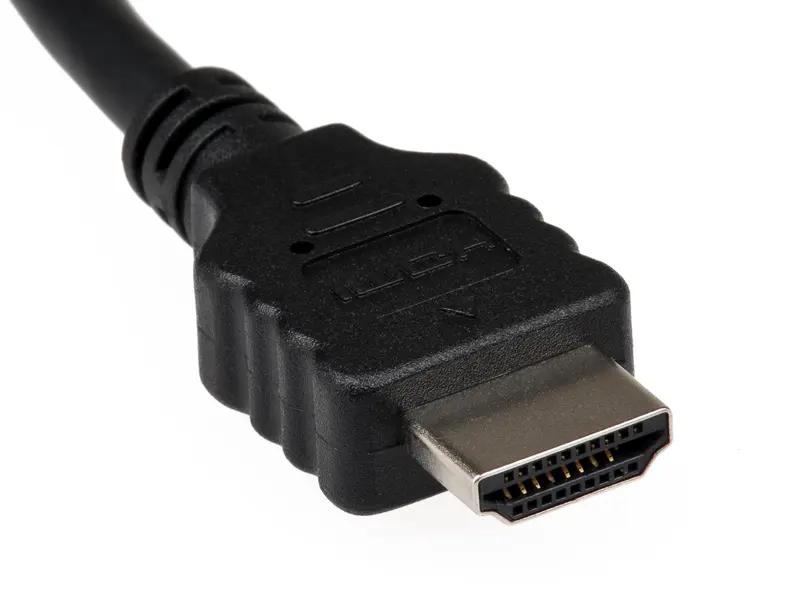
- Plug something in. A streaming stick, set-top box or games console connected by HDMI may have a supported app.
- Use your phone or tablet, either with a video cable or adapter, or by casting or mirroring to a compatible device. (Netflix notes that you can't cast from a mobile device on an ad-supported plan; our post on plans with adverts explains the other differences.)
- Check the list. Netflix keeps a list of supported devices at netflix.com/compatibledevices; other services have similar pages.
And keep everything else up to date in the meantime. The NCSC's advice is to switch on automatic updates where a device offers them, and to install updates when you're prompted.
Selling, passing on or recycling an old device
If you're retiring a TV, stick or box, Netflix suggests repurposing it, or refurbishing or recycling it through a retailer, the manufacturer or a local electrical recycling point, and doing a factory reset or deleting your personal data before it goes.
The NCSC's guidance on second-hand devices says the same: use the device's built-in "factory reset" or "erase all content and settings" option, and make sure you've noted your account logins first. If you're the one buying second-hand, it recommends checking that the device is still supported with updates, and doing a factory reset when it arrives to clear out the previous owner's accounts.
Signing your streaming accounts out of a device you're getting rid of is a good idea too. Our post on your viewing history explains how to see which devices have recently used your account.
General information only, not legal or financial advice. Services change their apps, settings and terms, so check the service's own help pages for the latest.
Sources
- Netflix Help Centre: Netflix says "Netflix is no longer available on this device"
- GOV.UK: The UK Product Security and Telecommunications Infrastructure (PSTI) product security regime
- NCSC: Smart devices: new law helps citizens to choose secure products
- NCSC: Smart devices: using them safely in your home
- NCSC: Buying and selling second-hand devices
Checked 23 November 2026.